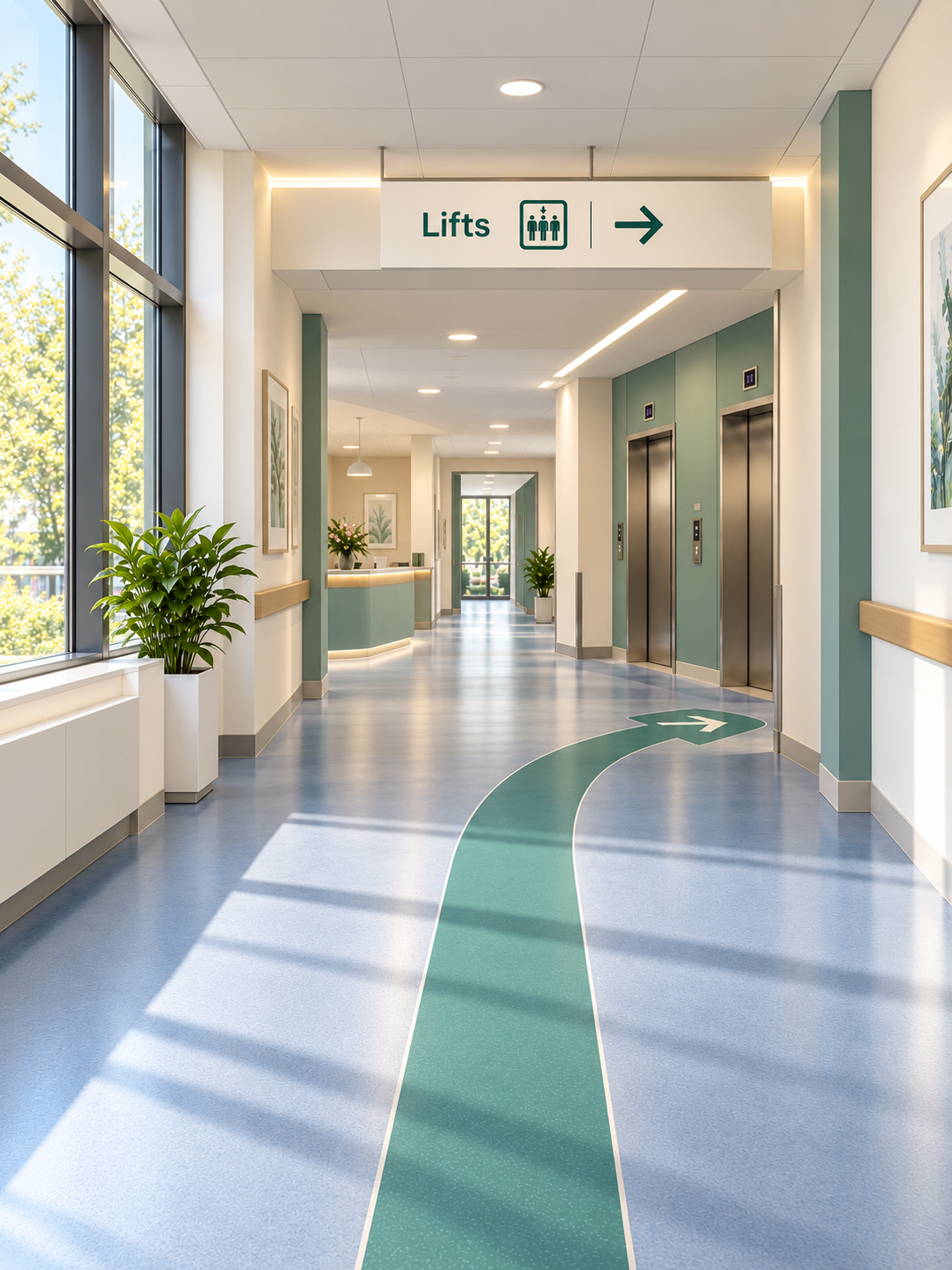
Map the hospital into meaningful checkpoints
A HospitalWay map is not a conventional floor plan. The hospital is represented as a set of checkpoints that matter to a real journey, such as entrances, corridor junctions, lift lobbies, stairs, room entries and other decision points.
Destinations and useful landmarks are associated with that network. Floors and zones provide structure for larger sites, while each checkpoint has a unique identity so the route engine can distinguish locations even when names such as Main Corridor or Reception are reused elsewhere.
Connect only movements that exist in the real building
Each connection represents one simple movement from one checkpoint to another. If two locations are not physically adjacent, they are not linked directly just to make the digital route shorter.
Connections are created in both directions because the instruction for the return journey may be different. Most routes naturally pass through shared corridors and junctions, which keeps the digital model aligned with the way people actually move through the hospital.
- One connection equals one real-world movement.
- Reverse connections are defined for the journey back.
- Intermediate corridors and junctions are not skipped.
Calculate the route across the checkpoint network
When the user selects a destination, HospitalWay searches the predefined connections to find the shortest available checkpoint path for that journey. The result is a sequence of from, to and instruction steps rather than a continuous coordinate trail.
Route attributes can influence which connections are appropriate. For example, where the hospital mapping includes an alternative, the system can support configured requirements such as avoiding stairs.
Because the route is generated from a controlled graph of real connections, the hospital team can inspect and validate the exact movements that a visitor will be asked to make.
Match the instruction to the user's direction of approach
The same checkpoint may need different visual guidance depending on where the user came from. HospitalWay can store directional images for different approaches and select the image that corresponds with the incoming route.
The instruction itself can also use contextual information from the movement, including left, right, straight ahead, entering or exiting an area, using a lift or using stairs. Landmarks are added where they improve confidence rather than filling every step with extra information.
Open from a QR checkpoint and maintain the model over time
A HospitalWay QR checkpoint can encode a web link that identifies the starting location. Scanning it opens the browser experience and sets that checkpoint automatically, so the user can move straight to choosing a destination.
After launch, the hospital network can be updated as the physical site changes. Checkpoints, destinations, connections, images and route instructions can all be revised without replacing indoor positioning hardware across the building.