Start from a known checkpoint
Indoor navigation becomes much simpler when the system knows exactly where the journey begins. HospitalWay can use QR checkpoints at locations such as entrances, reception areas or departments to open the browser experience with the starting checkpoint already set.
The visitor can then choose where they want to go without downloading an app or creating an account. An app can remain available as an optional route for frequent visitors, while the core journey can begin directly in the browser.
Choose a destination and follow simple physical movements
HospitalWay routes through a predefined network of connected checkpoints. The user sees one step at a time rather than an entire hospital map that they need to interpret themselves.
Each step is written around a real movement in the building, such as continuing straight ahead, turning left at a junction, entering a department or taking a lift to another floor. Intermediate checkpoints remain part of the journey so instructions do not jump across spaces the user still has to navigate.
- Destination remains clear during the journey.
- Forward and back controls keep the route understandable.
- Instructions use direct directional language rather than vague descriptions.
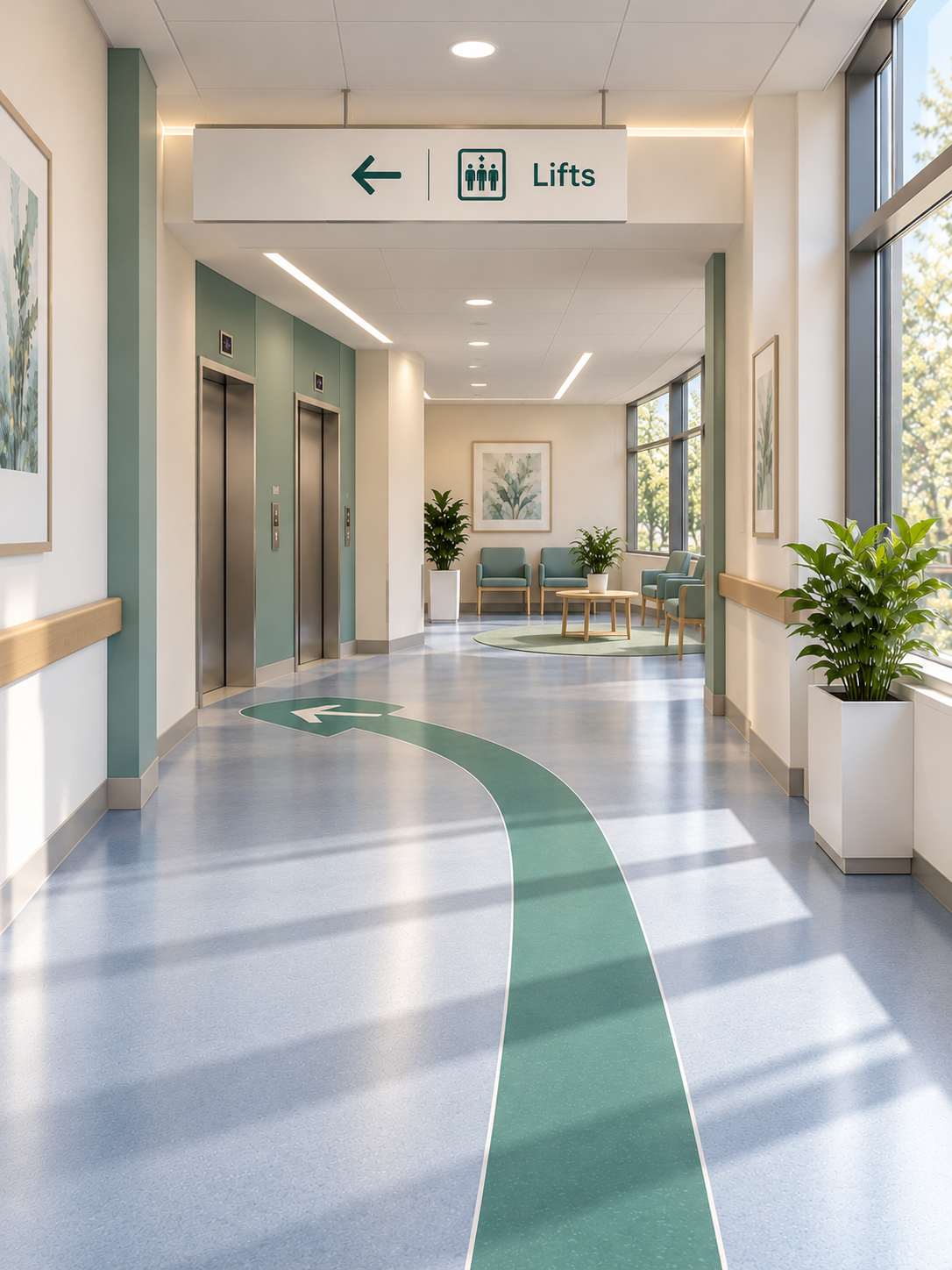
Use photographs to reduce ambiguity
Many hospital corridors and junctions look similar. A text instruction may be technically correct but still leave a visitor wondering whether they are standing in the right place.
HospitalWay can show a photograph of the checkpoint from the user's direction of approach. If the same location is reached from the opposite side, the image can change to match that different view. This gives the user a visual confirmation that the digital instruction corresponds with the real environment.
Landmarks can also be included as text cues where they genuinely help, while unnecessary pass-by information can be limited so the instruction stays focused.
Navigate without continuously tracking the user
HospitalWay does not need to monitor a visitor moving through the building. The route is based on known checkpoints and predefined connections rather than a live dot on an indoor map.
That means the core navigation experience can operate without GPS, Bluetooth beacons or Wi-Fi positioning. It also does not require patient-identifiable information for the user to receive a route.
Configured route attributes can support different requirements, such as routes that avoid stairs where the mapped hospital network provides an appropriate alternative.